How We Automated 60% of Our Operations with No-Code
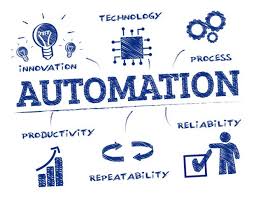
As a growing team, Savyli hit a point where our internal processes couldn’t scale without more people. Instead of hiring, we turned to automation — but with a twist. We didn’t write a single line of code.
Here’s a breakdown of how we automated 60% of our tasks using Zapier, Make (Integromat), Notion, Airtable and other no-code platforms.
1. Internal Task Management with Notion
We set up Notion databases for projects, leads, and content calendars. Each new client form automatically created a task board entry via Make.com.
2. Zapier to Automate Notifications
Whenever a project status changed in Notion, a Zapier flow pinged Slack, notified the client via Gmail, and updated an Airtable dashboard.
3. Form Intake with Tally + Airtable
We used Tally forms for surveys and brief submissions, feeding directly into Airtable where our team filters, tags, and assigns ownership.
4. Report Generation with Google Docs API
Monthly reports are compiled in Airtable, and Make.com automatically fills a Google Doc template, converts it to PDF, and emails it to clients.
💡 Result: We saved ~25 hours/week, reduced admin errors, and boosted turnaround time by 18%.
We're proof that powerful operations don’t need engineering. They need smart workflows. If you’d like help setting this up, reach out →